
Create an Octella Account
- Go to https://admin-app.octella.com/
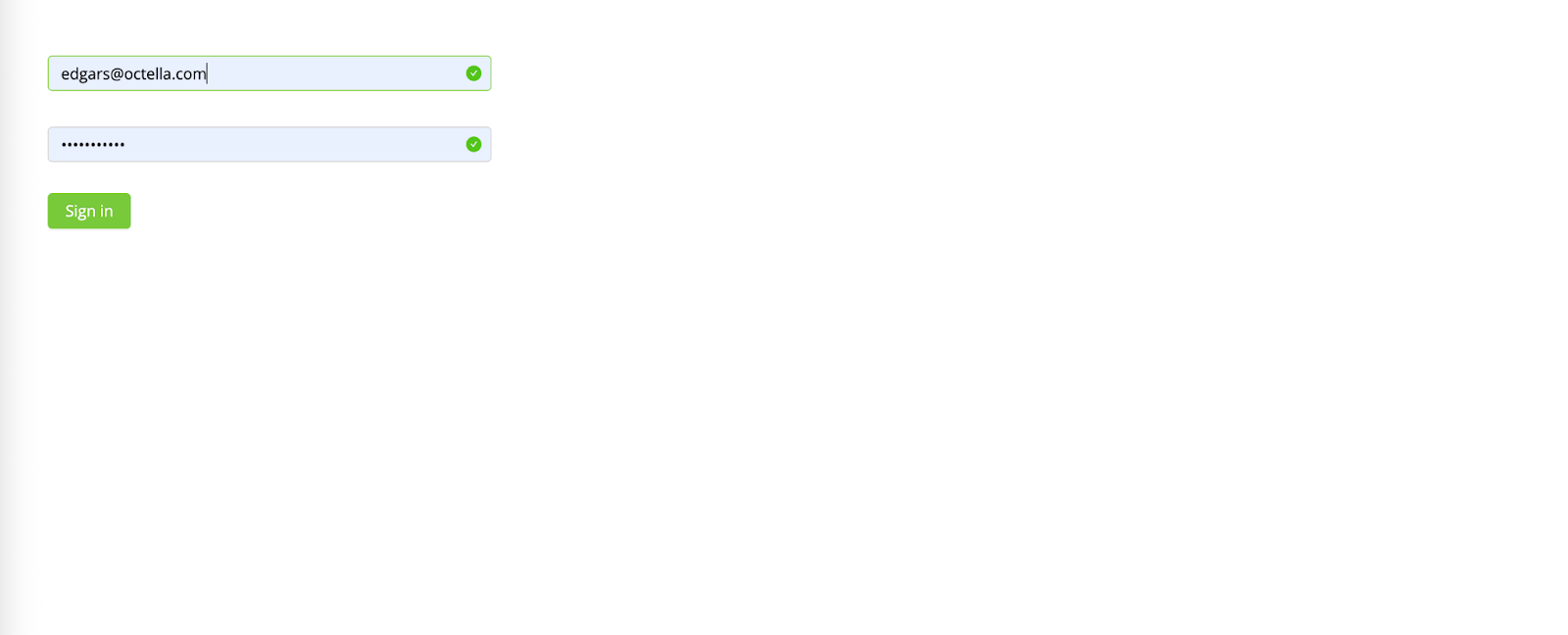
- Enter login details provided by your Team Lead
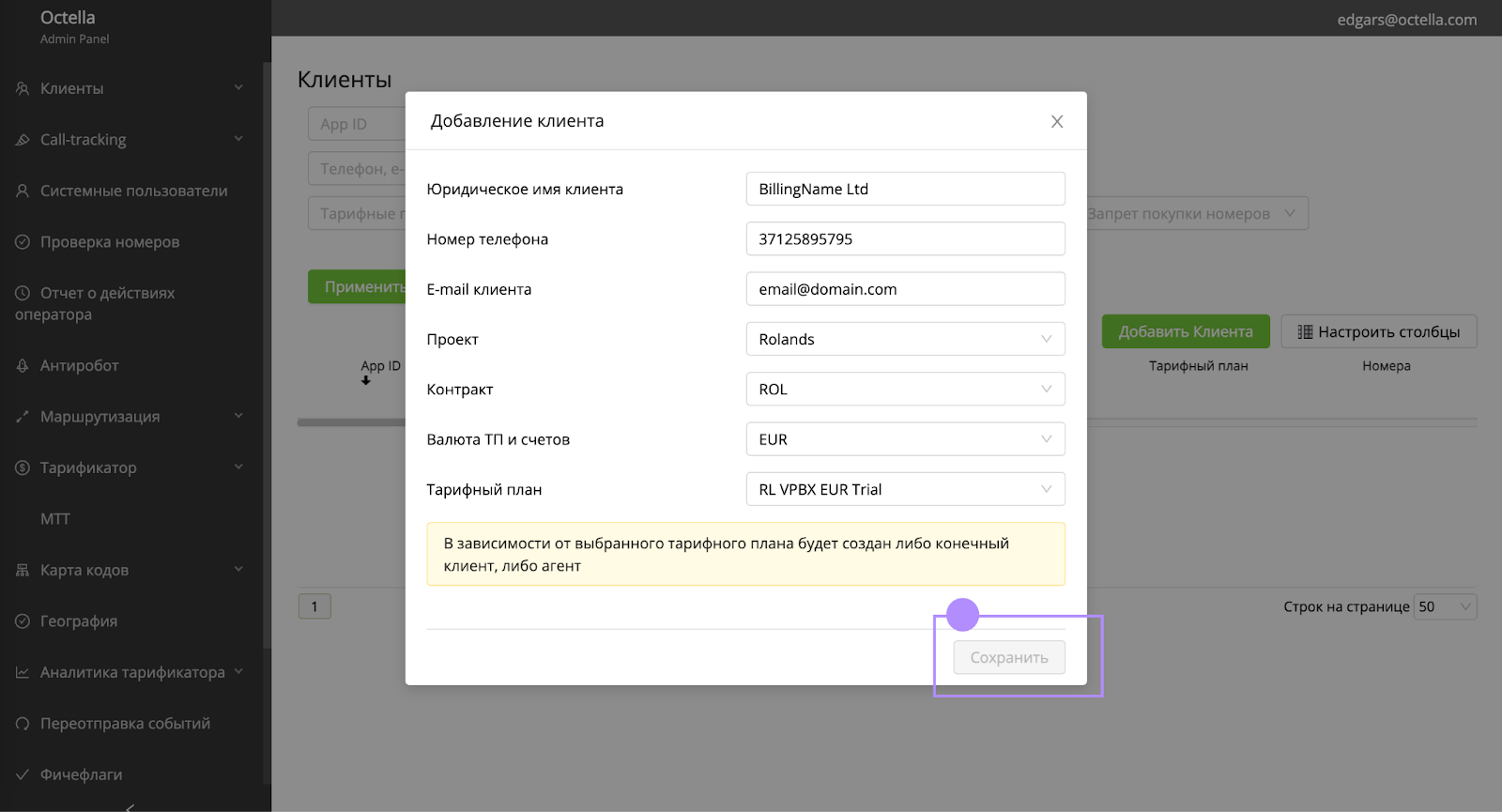
- Click on Add a Client


- Add the Account registration details & pay attention to the currency.
- Admin portal in a moment will create an Account. Please add App ID and Customer ID to CRM Client Card.
 Once the account created, invoice can be issued and onboarding might start.
No comments to display
No comments to display